(I) Our Vision
A Platform for All Car Events Across Germany
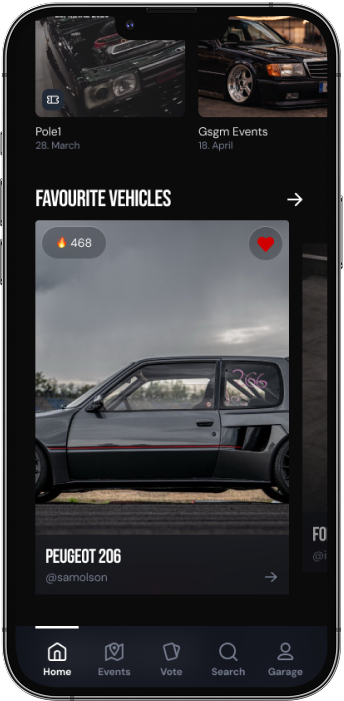
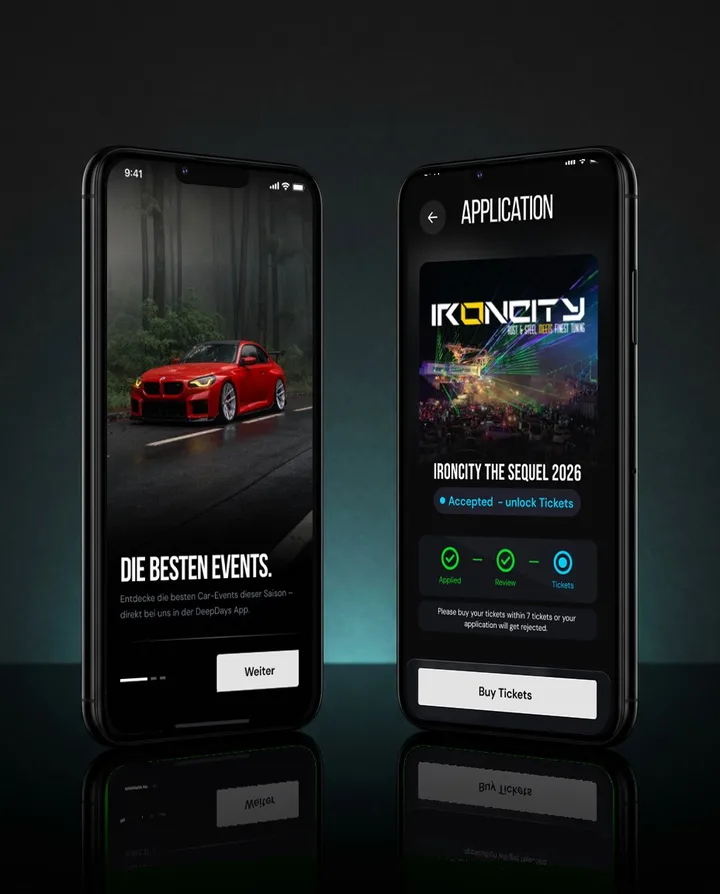
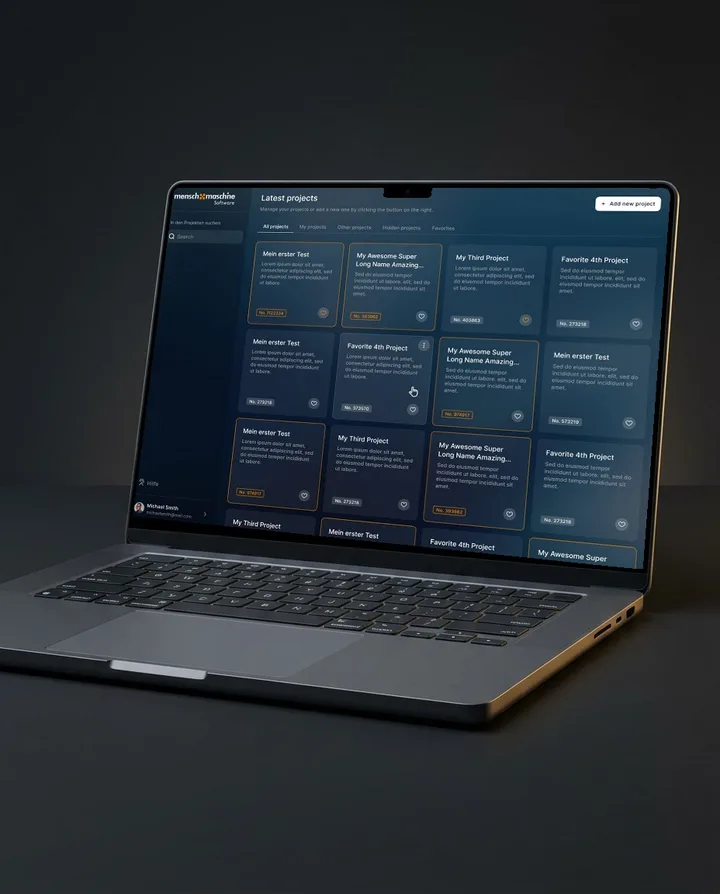
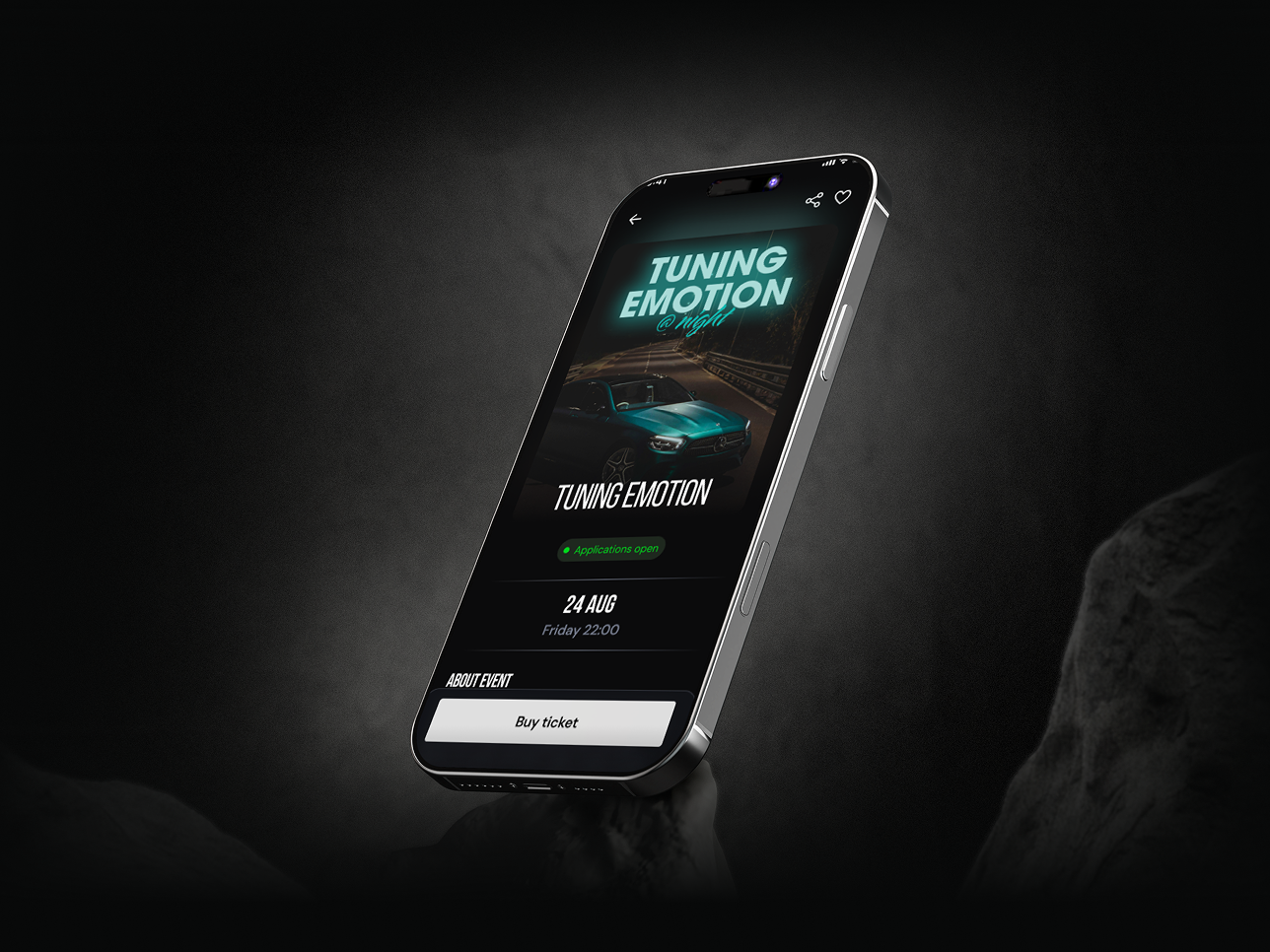
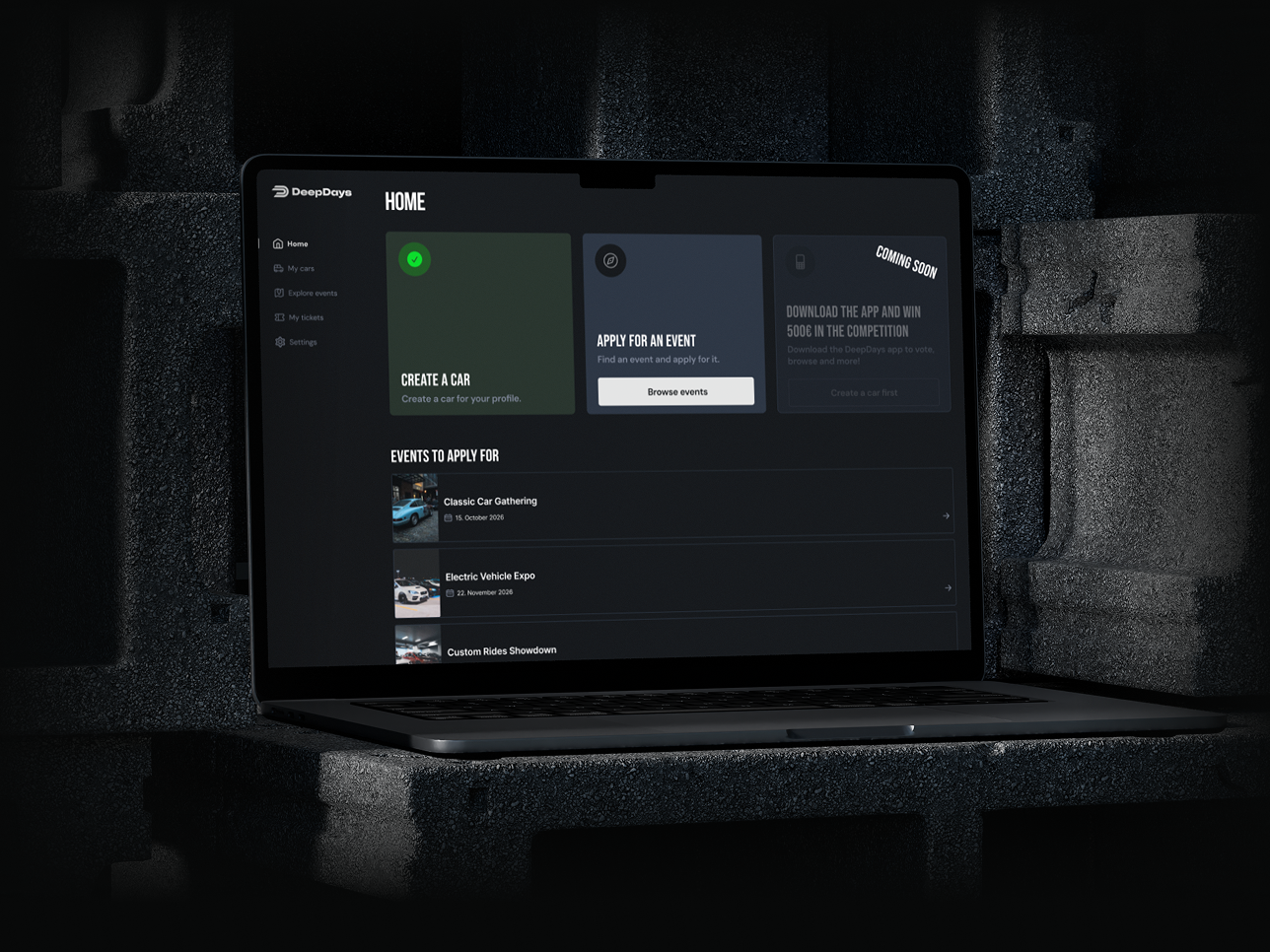
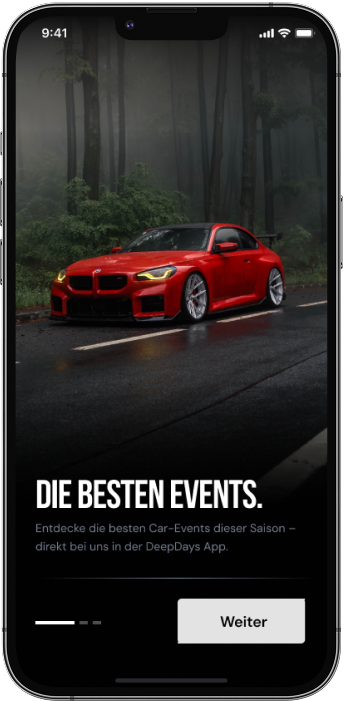
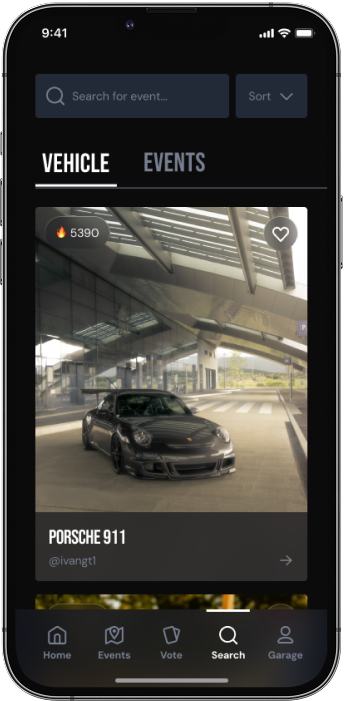
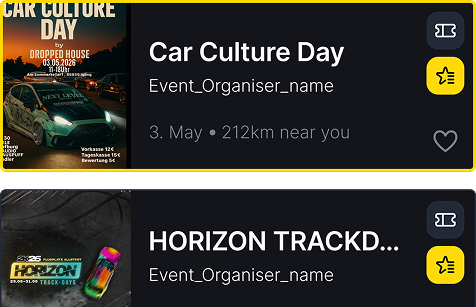
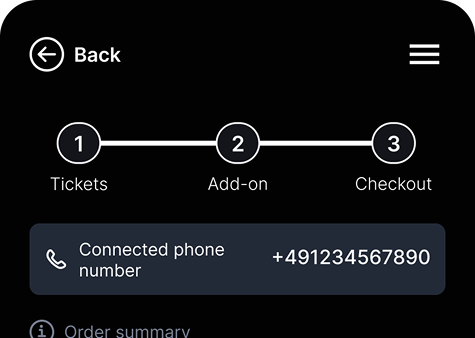
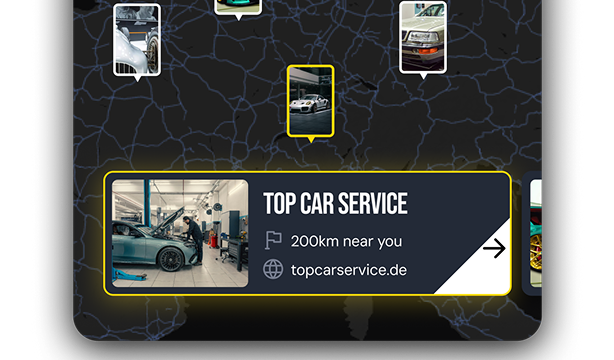
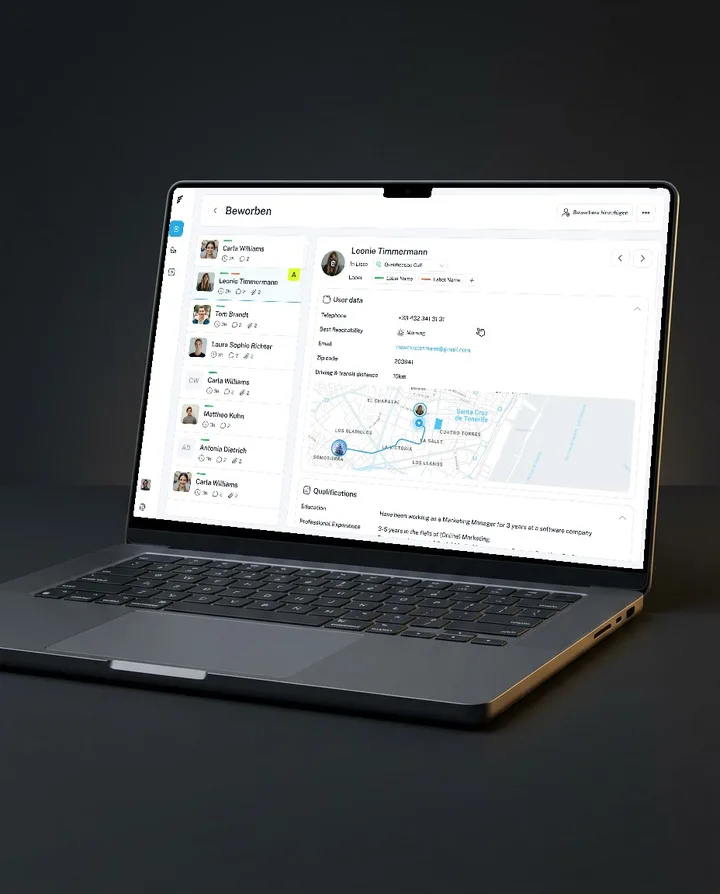
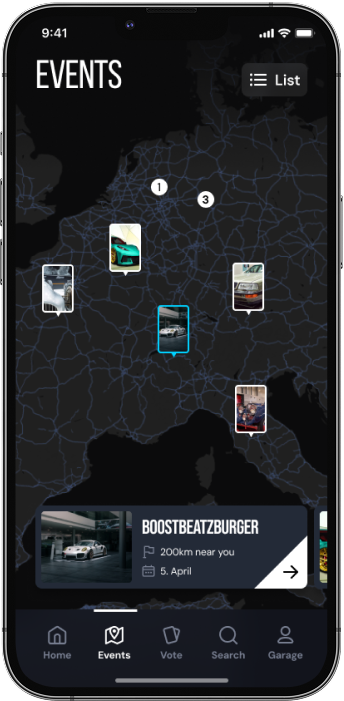
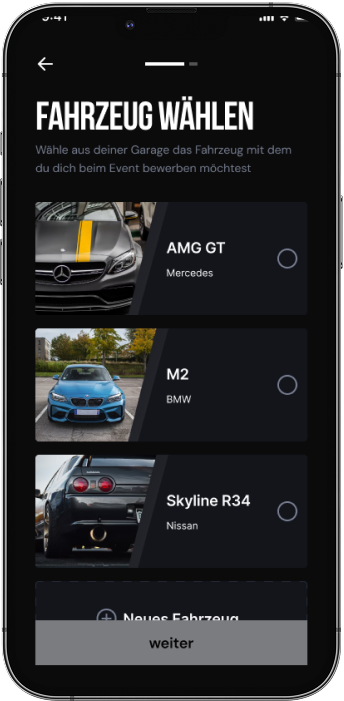
The car scene lives on events. If you wanted to go, you found dates on Instagram, applied with your car through a form on the organiser's website and bought the ticket somewhere else again. That's exactly what we wanted to change. In DeepDays you see every event on a map, apply with the car from your garage and buy the ticket right in the app. Organisers see all applications in one place and decide there who gets to bring their car.
(II) UX/UI Design & Development
From Concept to Finished Platform
The idea had to become a product that organisers and visitors both use. So we first defined the flows that carry everything: finding an event, applying with your vehicle, buying a ticket and checking in at the gate.
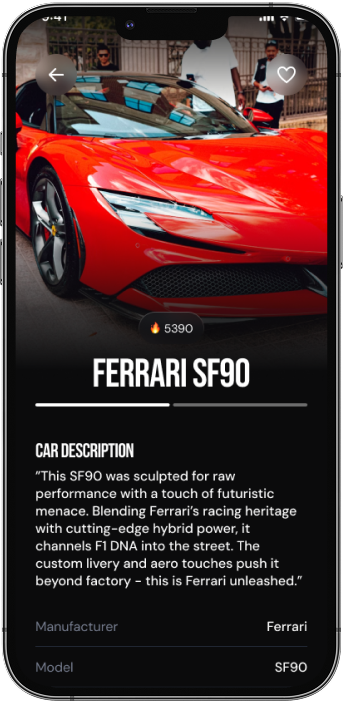
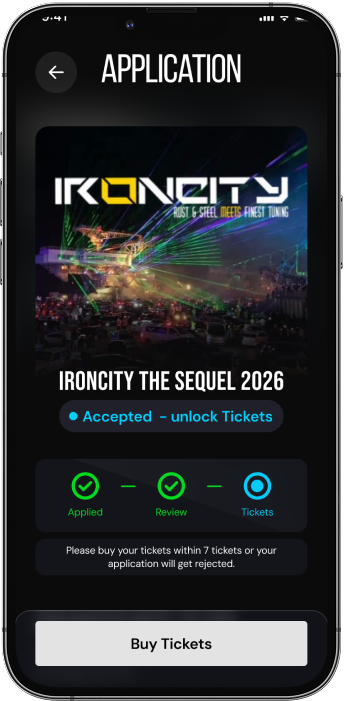
Then came the UX/UI design. In your garage you see every application with its status, accepted or still pending, and once you're accepted the app unlocks the tickets. We built DeepDays as an app for iPhone and Android and as a web app, so organisers and visitors use the same platform.
(III) The tech
What we used to create DeepDays
The app and the web app run on the same back end. An application from the browser and a ticket from the app end up in the same data, so the organiser sees both right away. You add your car to your garage once and then just pick it for every application.
- Front-end
- React NativeExpoNext.js
- Back-end & Infrastructure
- Node.jsMongoDBFirebase
- Integrations
- StripeGoogle MapsSentry
- Design & Prototyping
- Figma
(IV) The growth
Built for High Demand
When a big event opens ticket sales, lots of users want to buy at the same moment. DeepDays is built for that. Events with up to 10,000 visitors sell their tickets through the app, together more than €1M in the first year.
- nowFast-growing startup
- apr 2026More features & growth
- mar 2026Community growing
- Feb 2026Partnered with big events
- jan 2026Launch
(V) Marketing & Growth
From Platform to Growing Marketplace
Building DeepDays was not only a technical challenge but also a marketing one. As a marketplace, we had to attract two target groups simultaneously: organizers publishing their events on the platform, and visitors discovering these events and purchasing tickets.
With clear UX/UI design, a product strategy for both sides and targeted campaigns, we grew DeepDays to over 50,000 users in just 6 months and laid the groundwork for an active community.
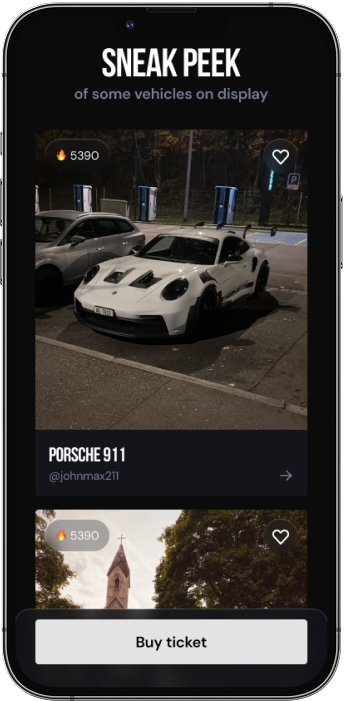
Today organisers add their events themselves, and the community finds them on the app's home screen.